The Nabooki Brand
One reference for our colour, type, icons, components and photography — the visual language of the public website and Webflow-built pages. Built for the team and our partners to bookmark.
01 — Logo
Our logo is the most recognisable expression of the brand. Use the lockups, clear space, and background rules below to keep it consistent everywhere it appears — web, print, decks, and partner materials.
Logo Lockups

Primary Wordmark
Navy #011166 · min 100px high
Reversed Wordmark
White · for navy & dark imagery

Secondary Mark
Min 150px high

Submark
Min 150px high
Approved Backgrounds
White — default
Navy
Oat
Amber Dune
Logo on Imagery
Place the white logo over darker, low-detail areas of a photo so it stays clearly visible. Avoid busy or light backgrounds that swallow the mark.
Do's & Don'ts
Don't rotate or tilt
Always keep the logo level and upright.
Don't stretch or distort
Scale proportionally — never squash or stretch.
Don't recolour
Use only navy, white, or approved palette colours.
Don't use low contrast
The logo must never blend into its background.
Don't add effects
No drop shadows, glows, or outlines.
Do keep it clean
Approved colour, clear space, upright, full contrast.
02 — Colour Palette
A fixed palette — Navy, Blue, Amber Dune, Oat, Off-White and White. Professional, warm, and distinctly Australian. Contrast ratios meet WCAG 2.1 AA.
Core palette — fixed. Do not modify or substitute.
Segment accent colours
Amber Dune (#D97E3D) is the approved accent; an optional lighter tint (#E8A068) for secondary highlights. Avoid cool blues in tours-and-activities contexts.
Deeper, considered blues that complement Navy without competing. Conveys permanence and cultural weight for museums, heritage sites and galleries.
Uses the core Navy and Blue palette directly. Clean, official and trustworthy. Do not apply warm accent colours to government-facing content.
03 — Typography
Poppins is our sole typeface. Weight 700 for all page headings (H1, H2); 400 for body copy; 600 for UI labels and buttons. Never use italic or <em> inside headings, and never use weights outside this set.
H1 — Display
Your Gateway to Australia’s Best Tours
H2 — Section
Everything your booking system should be.
H3 — Subheading
Manage Your Bookings in Real Time
Body
Nabooki is the booking platform built for Australian tourism operators. Whether you run a whale-watching charter, a guided city tour, or a national park attraction, our flat-fee model means more revenue stays in your business — not your booking system’s pocket.
Caption / Label
Pricing Calculator · Tours & Activities · Last Updated April 2026
04 — Reusable Components
The canonical building blocks for every marketing page. All buttons use border-radius 6px and Poppins 600.
Tours & Activities
Flat-fee booking software built for Australian tours and activities businesses. Keep 100% of direct sales with no per-booking commissions.
Live calendar sync across your website, OTAs and resellers — no double bookings.
Accept cards, gift vouchers and government scheme payments in one checkout flow.
Push availability to Viator, GetYourGuide, Expedia and more from one dashboard.
06 — Photography Direction
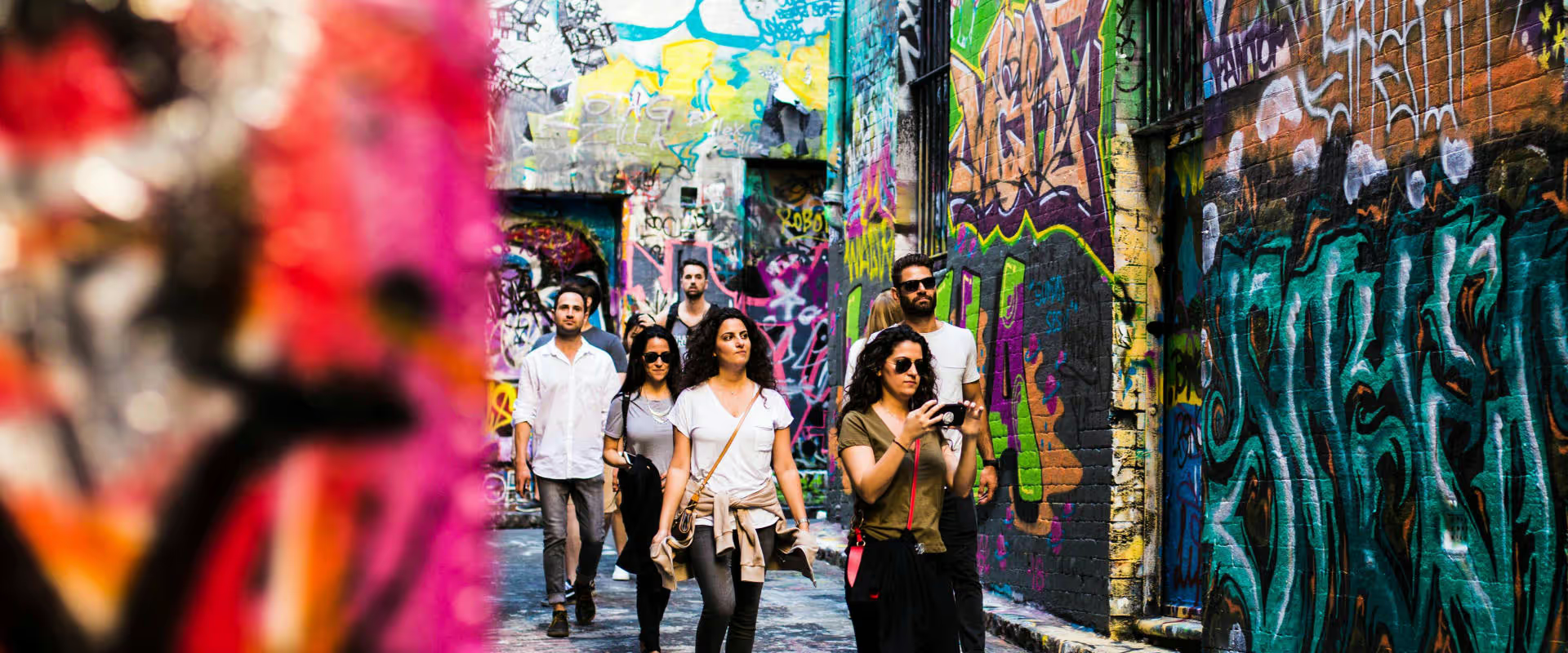
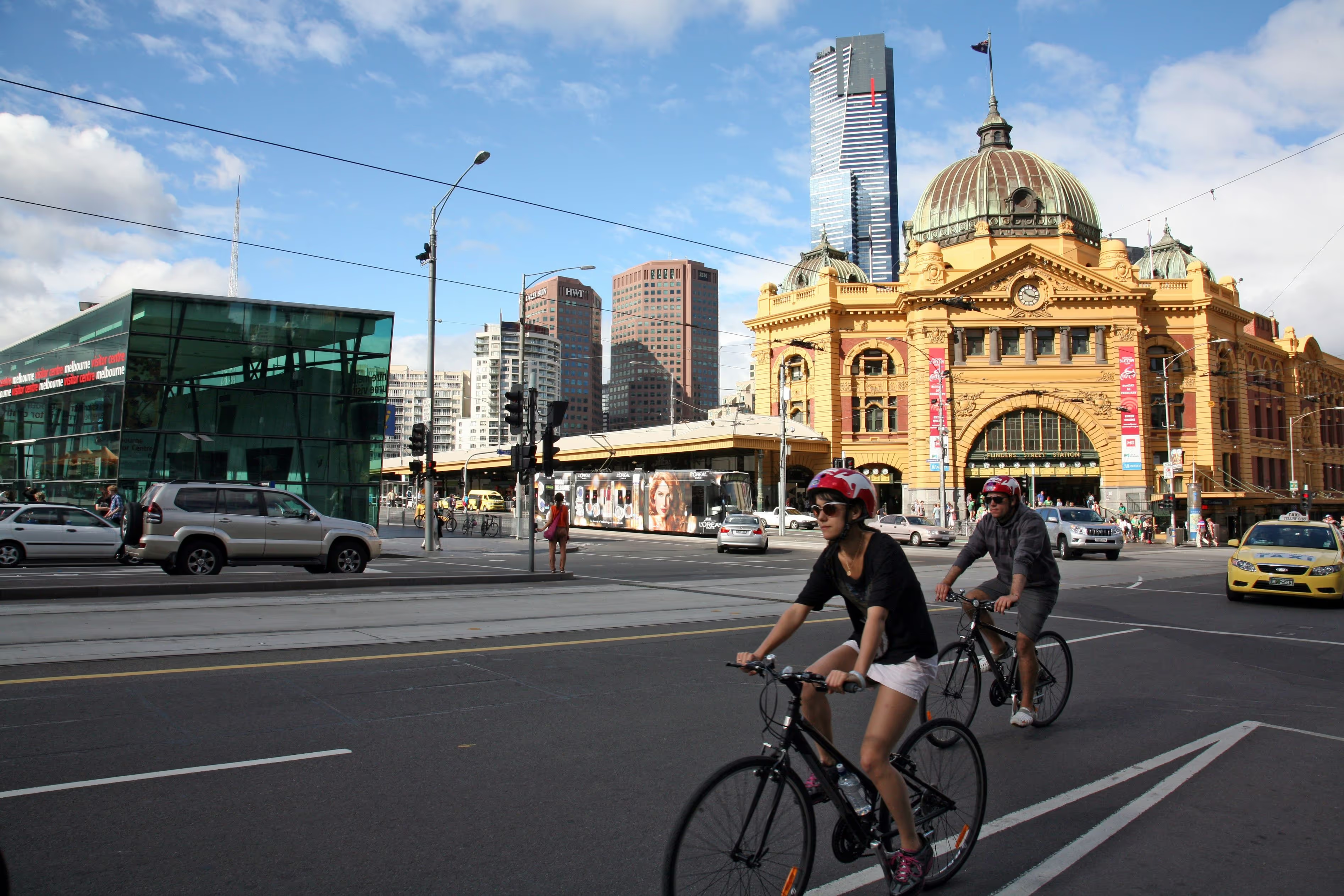
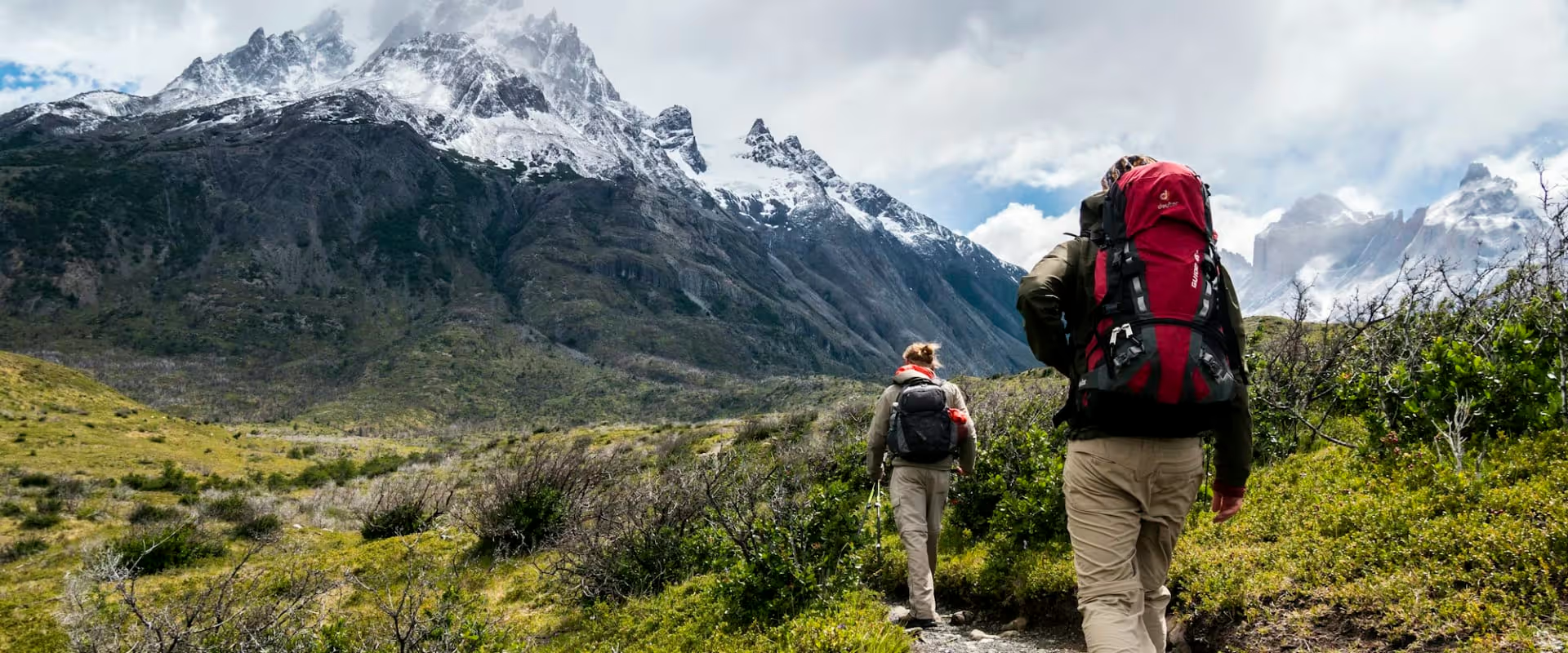
Each segment has a distinct visual tone. Choose images that feel authentic, energetic and unmistakably Australian — and that centre real people in real moments.
Tours & Activities
Active · Warm · Energetic — people at the heart of every experience
Guided outdoor tour
Guide with group
Wildlife encounter
Coastal adventureAttractions
Considered · Heritage · Welcoming — spaces that invite discovery
Museum interior
Heritage building
Cultural landmark
Visitor centreGovernment & Parks
Professional · Trustworthy · Modern — organised and authoritative
National park landscape
Ranger / staff
Facility
Tech / kioskImage specifications & aspect ratios
07 — Layout & Page Chrome
Use the same measurements on Homepage, Tours & Activities, Attractions and Government so every page shares one rhythm.
Grid & spacing
Navigation
Hero buttons (on dark overlay)